
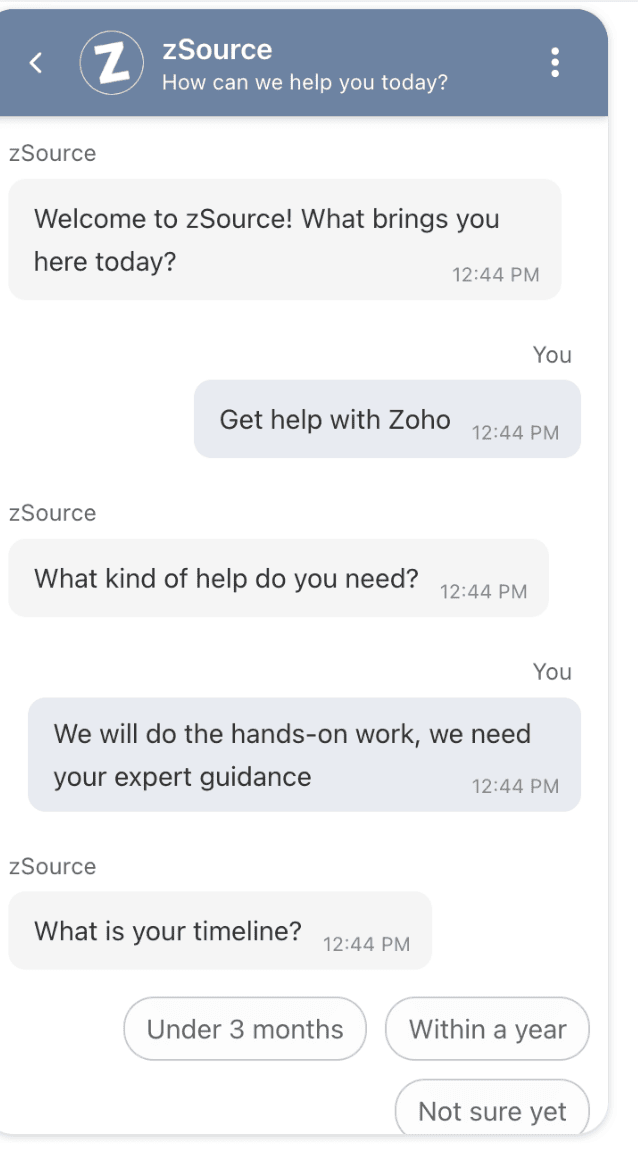
AI, Zoho  You.
You.
Simply Streamline IT.
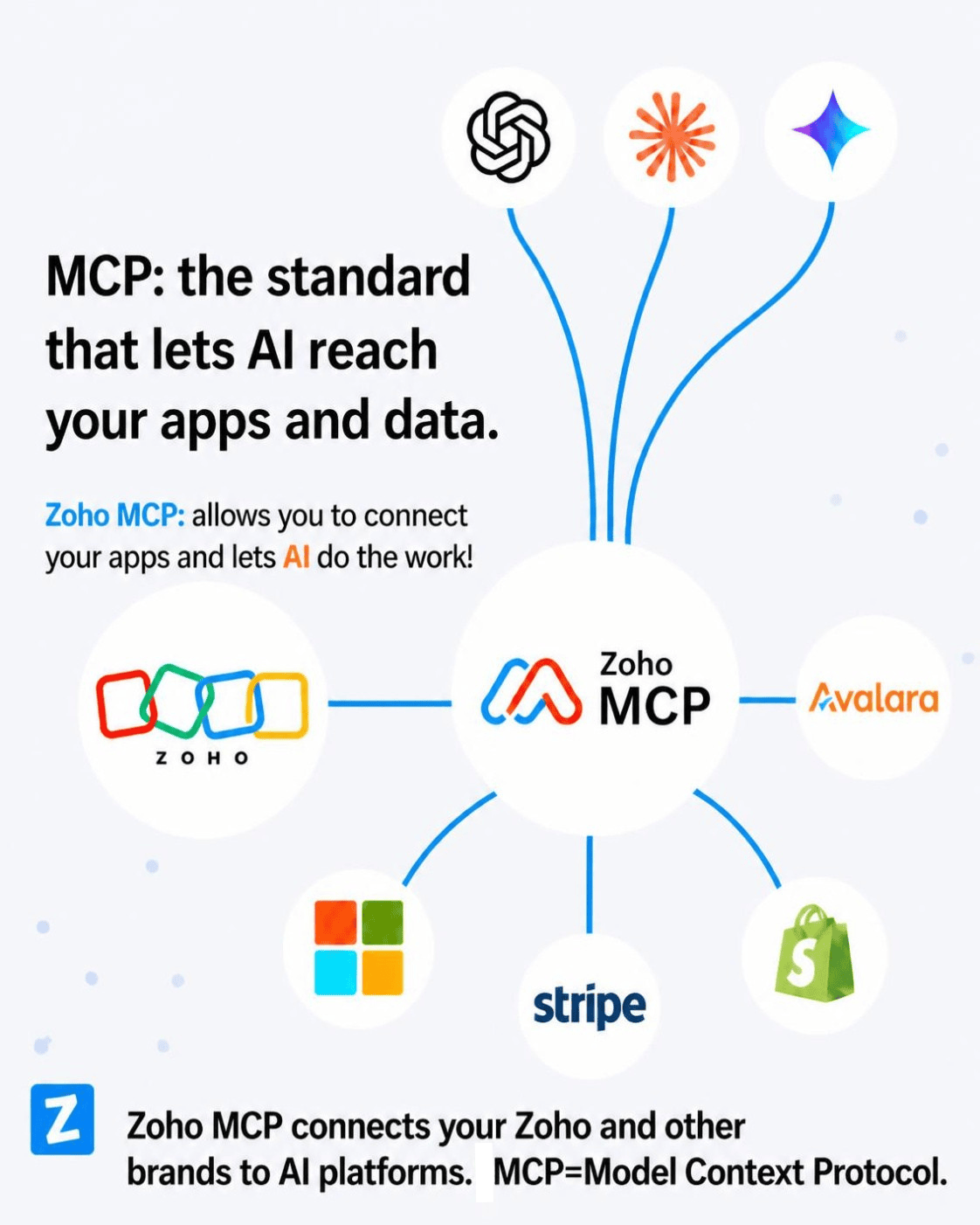
The best way to understand AI is to see it do what you already do. Zoho's MCP connectors (Model Context Protocol) allow Claude to read and write directly into your Zoho apps — update CRM transactions, build and update reports, keep WorkDrive filenames meaningful and organized, track Desk tickets — always with your permission! No exports, no copy-paste, no double duty. Work happens inside the platform you already run.
Claude/Zoho Connectors  Plugins
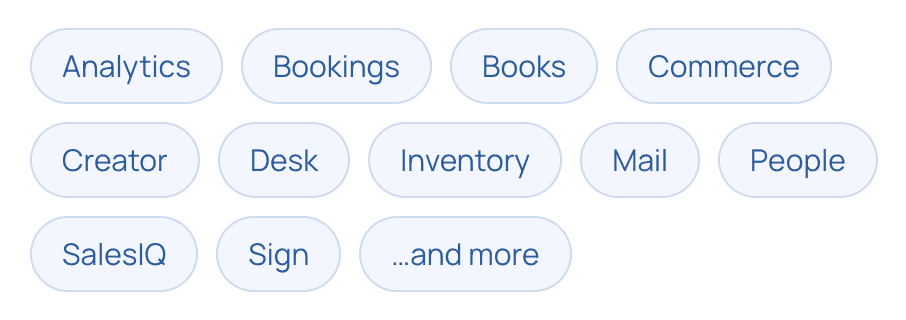
Zoho publishes MCP connectors for many of its apps, with new ones coming on board all the time. Let AI—ChatGPT, Gemini or Claude handle the heavy lifting.

Point Claude to WorkDrive. See it name & place your files in the logical folder. No more messy desktops.

Modules, fields, transaction records and reports. Ask questions on the fly or have Claude build it for you.

Projects, phases, tasks and issues — get a status, invoice billable hours and more.
And more to follow...
We will announce new connectors for Zoho, Avalara and other popular applications as they become available!
User Stories
A look at some basic use cases.

Zoho WorkDrive: Drives your working folders
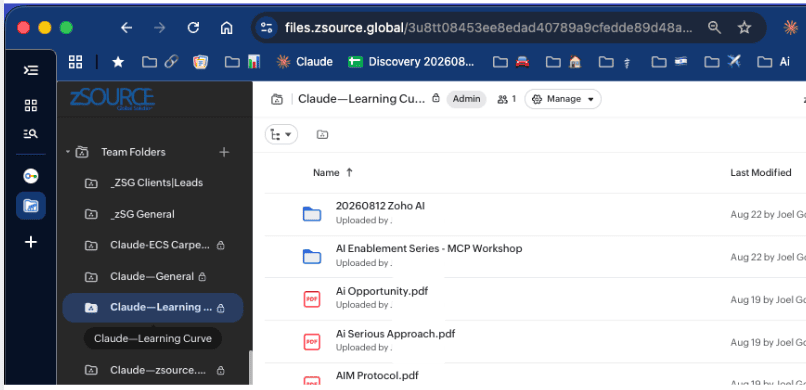
DISCOVER TASK AUTOMATION—See AI handle repetitive work. Install the Zoho MCP connector to Claude, then start telling Claude how to name files and into which folders you want them filed. You can do this via chat, Cowork or a Claude project task. You can create rules for filename conventions. Put an end to messy download folders, disorganized desktops and mystery files.
Time spent: about half an hour, then a few minutes here and there to test and deal with exceptions.

Zoho CRM—Forecast Pipeline
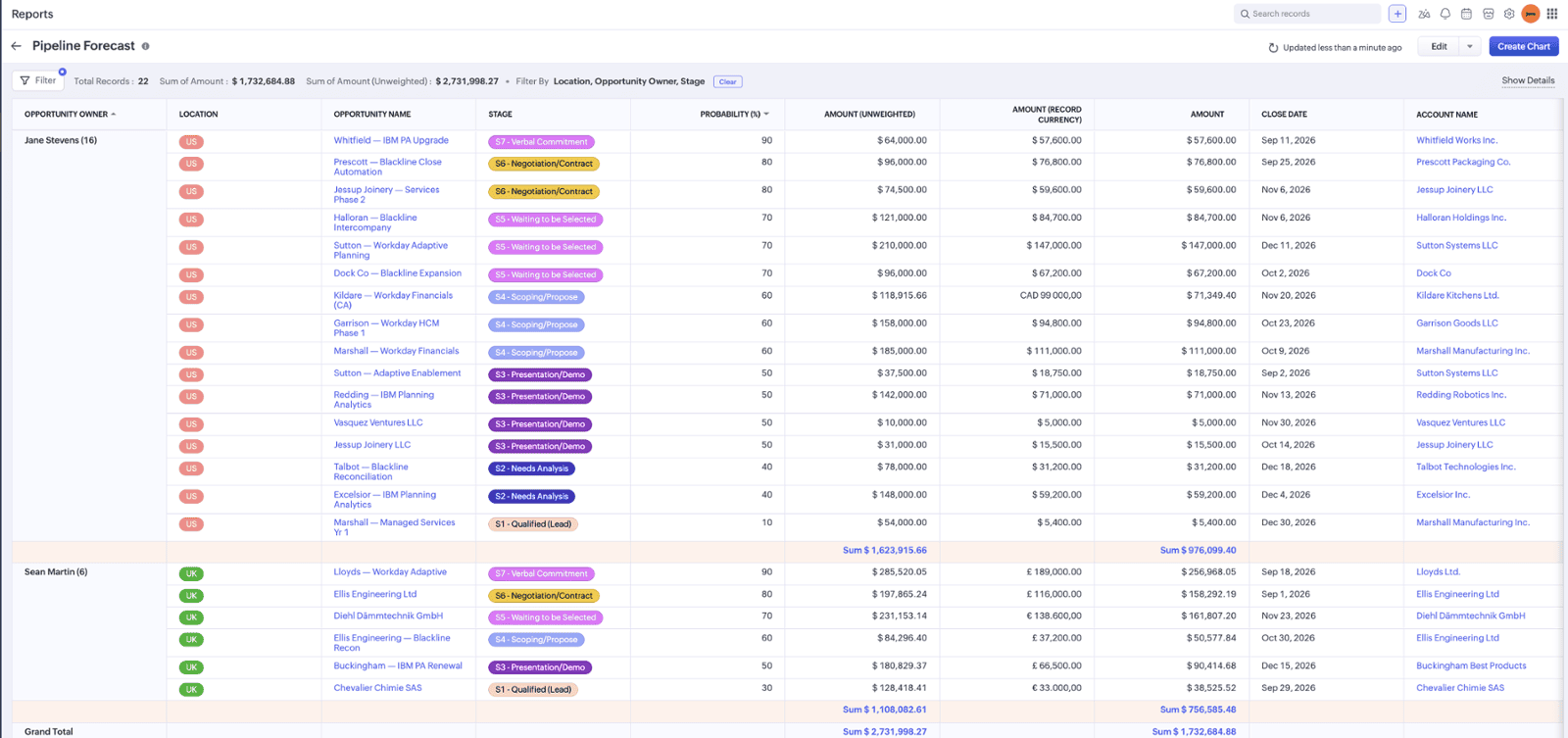
VISUALIZE TARGETS & RESULTS—Let AI build your next report by instructing Claude to use the information already in your CRM.
A pipeline forecast grouping by account exec and stated in native foreign currency and USD. This view is grouped by the account exec and then displayed in order of magnitude in terms of closing probability.
Time spent: under an hour for the first pass, then another hour for testing and fine tuning.

Zoho SalesIQ—Question Tree for Visitors
LAUNCH AN APP FROM SCRATCH. Direct AI to configure, implement and then test your next app. Zoho SalesIQ is a great place to test the waters. AI will recommend a series of questions based on inbound visitors requirements and get them to the right place whether it is sales, support or strategy-related. SalesIQ is not another generic form intake tool or an invitation for solicitations and spammers.
Time spent: Several hours to proof-of-concept. Updates as needed based on your target audience's requests.
How can AI Help? Book a complimentary session.
30 Minutes—No charge!
Sessions are conducted on-line using Zoho Meeting.